AI survey generator
Tell us what you want to learn. Get a survey you can actually use.
Describe your audience and what you need to find out. SurveyZero builds a working survey with questions, answer choices, settings, and structure — ready for you to review and change.
Which pricing plan are you currently on?
+ 5 more questions
Free to start. Nothing is published until you choose to publish it.
One prompt in. A real survey out.
This is not a hand-written example. We gave SurveyZero the prompt below and captured the survey it actually created.
"Create a customer satisfaction survey for a B2B SaaS product. Ask which pricing plan they are currently on. Ask which features they use regularly and let them select more than one. Ask how long they have been a customer. Ask, on a 0–10 scale, how likely they are to recommend the product. Ask whether support resolved their last issue. Finish with an open-ended improvement question."
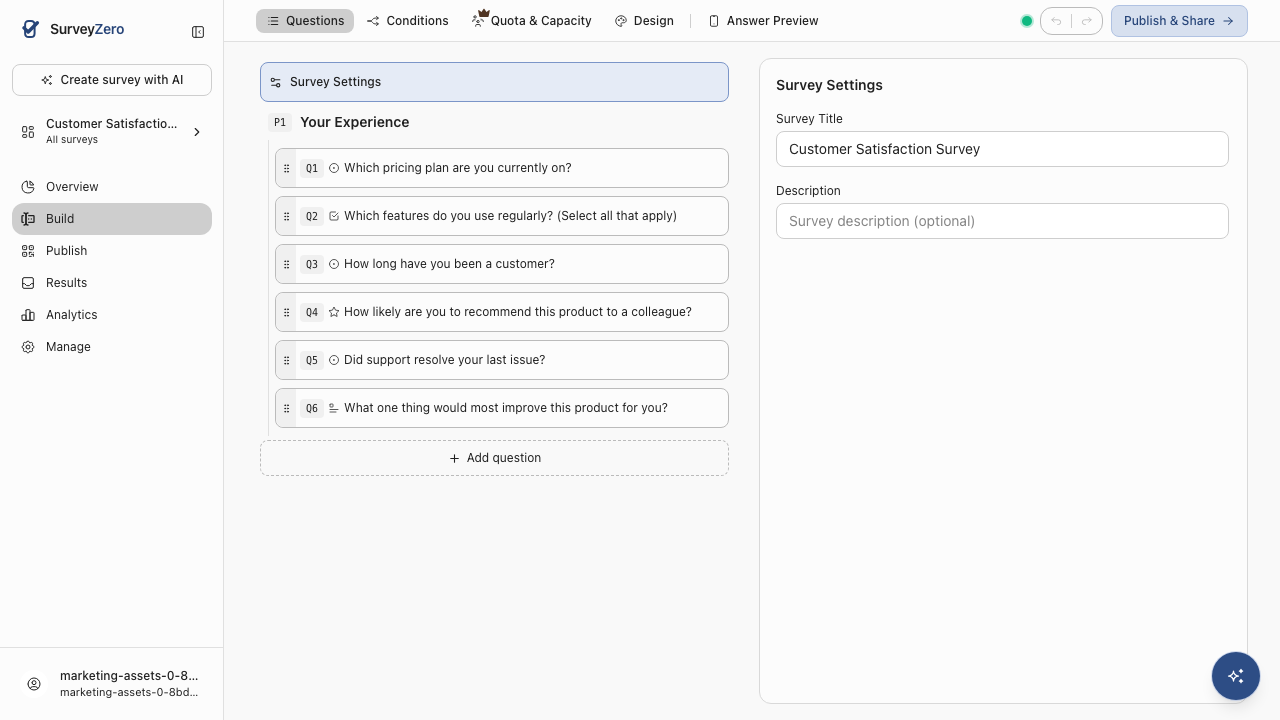
Try this prompt →- 01Which pricing plan are you currently on?Single choice
- 02Which features do you use regularly? (Select all that apply)Multiple choice
- 03How long have you been a customer?Single choice
- 04How likely are you to recommend this product to a colleague?Rating, 0–10
- 05Did support resolve your last issue?Single choice
- 06What one thing would most improve this product for you?Open text
Generated by SurveyZero from the prompt above.
A list of questions is not a survey.
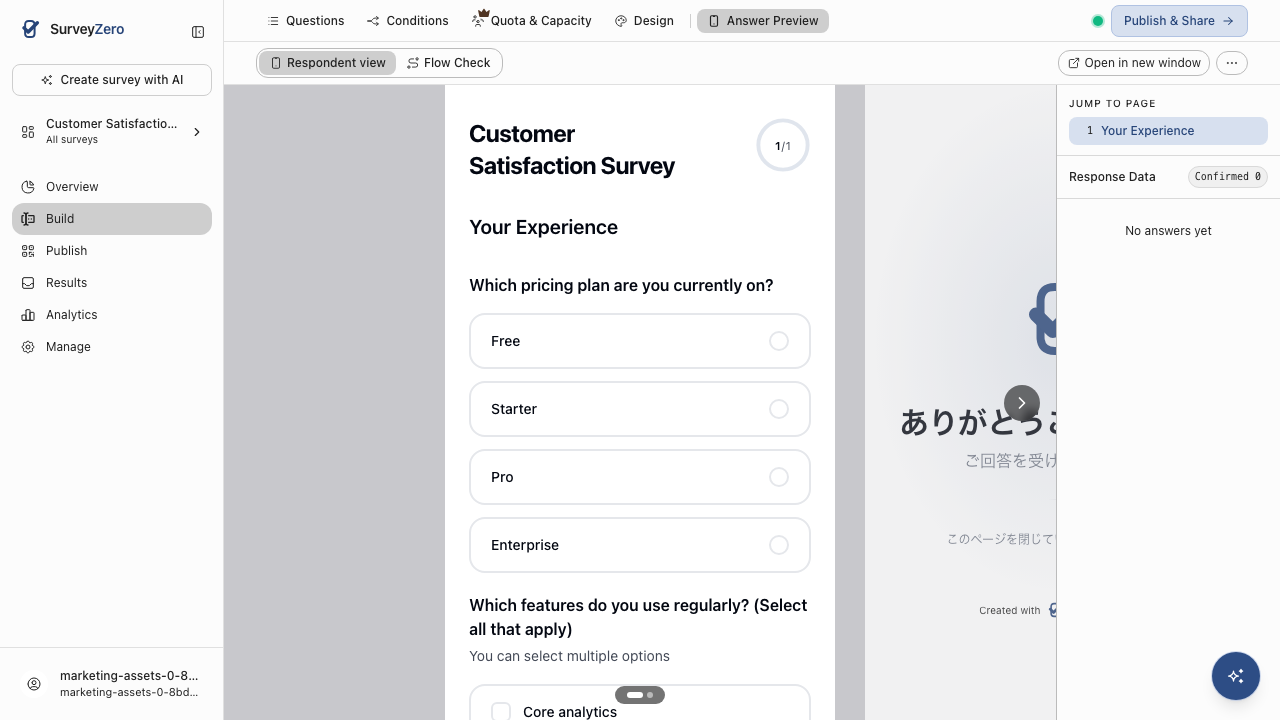
A usable survey also needs answer formats, choices, scales, logic, ordering, validation, and a respondent experience that works. SurveyZero turns the intent behind your prompt into structured survey elements you can inspect and edit.
Question types
Ratings, single choice, multiple choice, free text, and other survey-specific formats.
Answer choices
AI can create the options respondents will actually see.
Survey structure
Questions are assembled into a working survey, not returned as prose for you to copy and paste.
Logic you can keep refining
Change the survey as your research question changes instead of starting from scratch.
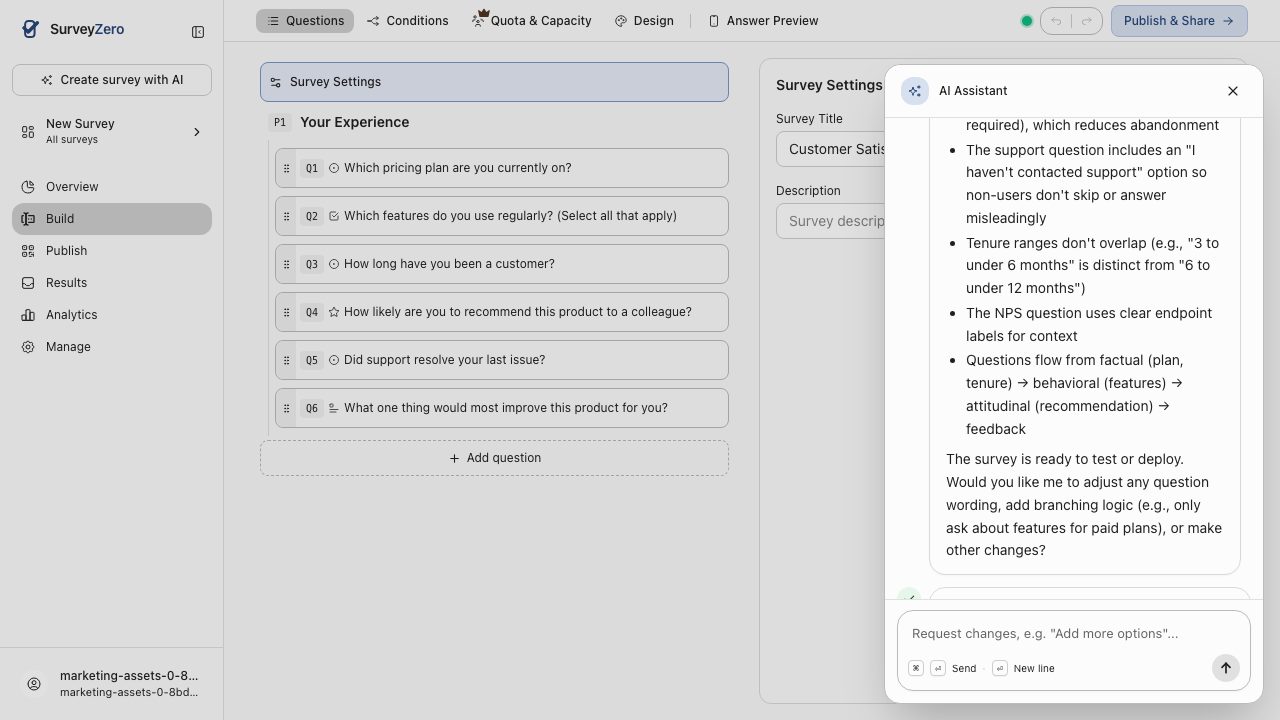
The first prompt is only the beginning.
Real surveys change. Maybe a stakeholder wants another segment. Maybe dissatisfied users need a follow-up. Maybe the first version is simply too long. Keep working on the same survey.
- "Make this survey shorter."
- "Add a follow-up for people who give a score of 3 or below."
- "Make the final question optional."
- "Rewrite this for new customers."
- "Add a question that helps us segment results by customer type."